Case study · IQOS
One scene. One JSON. Every render.
The product configurator on the IQOS Italia website shows every device, colour and accessory with the same camera and in the same light. Behind it is a render pipeline we built for JustBit, which turns a description of the product into every image the site needs.
- Brand
- IQOS — ILUMA i line
- Context
- Product configurator on the IQOS Italia website
- Commissioned by
- JustBit (agency), with GiacApp as technical producer
- GiacApp role
- Render pipeline, batch orchestration, desktop launcher, 360° sprite atlases
- Technology layer
- Blender and Cycles · Python · JSON configuration · distributed rendering
Challenge
Every combination needs its own picture.
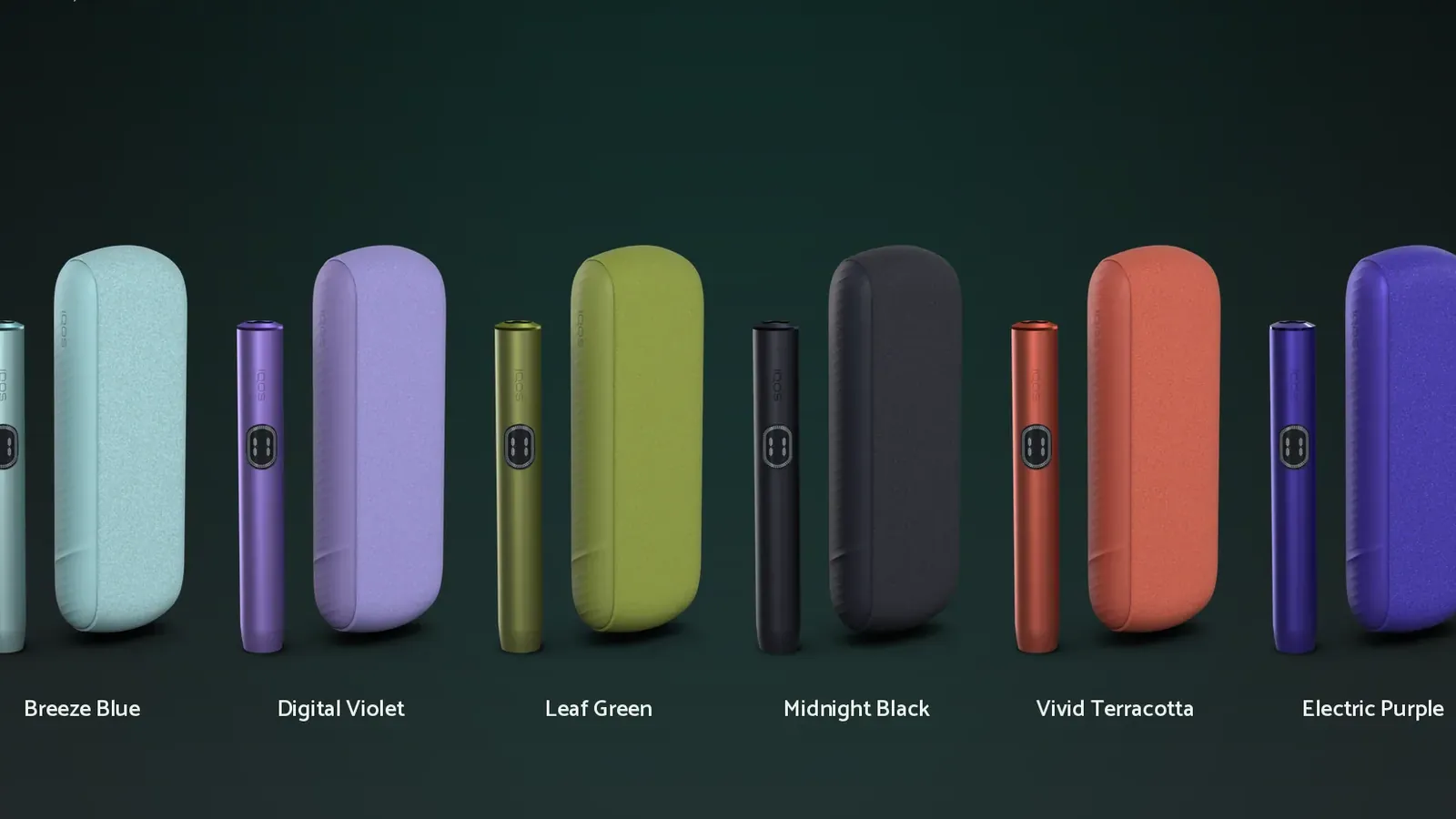
The configurator lets a buyer pick a device from the ILUMA i line, turn it through 360°, change its colour and try ring sets, covers and side covers before buying. Behind every combination there is an image: three devices, 19 colourways and 48 accessories, all to be shown with the same camera, the same light and the file name the website expects.
Producing them by hand, one by one, would take weeks of work, and every new release would bring small differences from one render to the next.
Solution
Describe the product. The pipeline draws it.
We built a system that generates every render for the configurator from a single Blender scene and a JSON database. You state the device, the colourway, the accessories and the type of image; the system composes the scene, renders in batch and delivers the files already named and sorted into folders, ready to be published.
The product is not written in code: four JSON files describe it. The first links each kit to the objects, materials and collections of the scene. The second holds the colourways, with textures and shader parameters. The third defines the accessories — silicone, microfibre and fabric covers, Metallic, Neon, Iridescent and SELETTI side covers, ring sets — as changes of visibility and material. The fourth sets cameras, lights, resolutions and naming rules. A new colourway or accessory is a new entry in a JSON file, not a new scene.
The renders to produce are listed in batch files. A script running inside Blender applies each configuration and renders with Cycles, in the background, on the local machine or on other computers on the network set up as render nodes. For daily use there is IQOS Render Station, a desktop application: choose kit, colourway, camera and accessories, run a low-resolution preview to check framing and naming, then queue the batch and follow progress and logs job by job.
Why it matters
A production line, not a one-off.
The configurator changes every time a colour or an accessory is released. With the pipeline, an update is a new entry and a batch run, with identical light, camera and naming across thousands of images. The same approach fits any product sold in many variants that has to look consistent from one image to the next.
See it running
The pipeline in under a minute.
From the JSON configuration to the render, the launcher, every colourway in 360° and the variants with the same light and the same camera.
By the numbers
What the pipeline delivered
- Range
- 3 devices, 19 colourways, 48 accessories
- Cameras and outputs
- 22 cameras and 9 output types: static, 360° sprite, static with cover and side cover, horizontal and vertical engraving, holder with ring set, top view of the ring
- Render jobs
- 1,292, organised in 23 batch files
- Delivered
- 1,998 PNG images, named and sorted into folders automatically
- 360° sprites
- 18 frames every 20°, packed into one atlas per colourway, the format the configurator reads
- Tools
- Blender and Cycles · Python for batch orchestration and the in-scene render script · desktop launcher in Python with rendering distributed across nodes over TCP · Adobe Substance 3D Painter for materials · TexturePacker and FFmpeg for the sprite atlases
Live
The configurator on the IQOS Italia website
The renders feed the “Configure your device” section of the IQOS Italia website: once a model is chosen, the user turns the device through 360° and moves between colour, ring set, cover and side cover, each time seeing the image of that exact combination. The same shots power the preview of personalised engraving.
Open the configurator on it.iqos.com
Third-party website, for adults only.
Inside the project
Same light, same camera, every variant
Labels on the boards are in Italian: this work was delivered for the Italian market.
Planning something similar?
Talk to us before the technical choices become fixed constraints.